78Plutôt positivesNote globale
76Plutôt positivesÉvaluations Steam · 317 avis
80Globalement favorableJoueurs IGDB
À propos
Yes, it's the game literally... SOME of you asked for! And so, in the spirit of "well, alright then, if you insist..." we present the third game in the Carmageddon series, in the knowledge that some of you Carma fans out there would like to have a complete Carmageddon collection in your Steam library. Nothing wrong with that.

Yes, it's the game literally... SOME of you asked for! And so, in the spirit of "well, alright then, if you insist..." we present the third game in the Carmageddon series, in the knowledge that some of you Carma fans out there would like to have a complete Carmageddon collection in your Steam library. Nothing wrong with that.
Anyway, here's what the blurb on the back of the DVD case had to say about Carmageddon: TDR 2000:
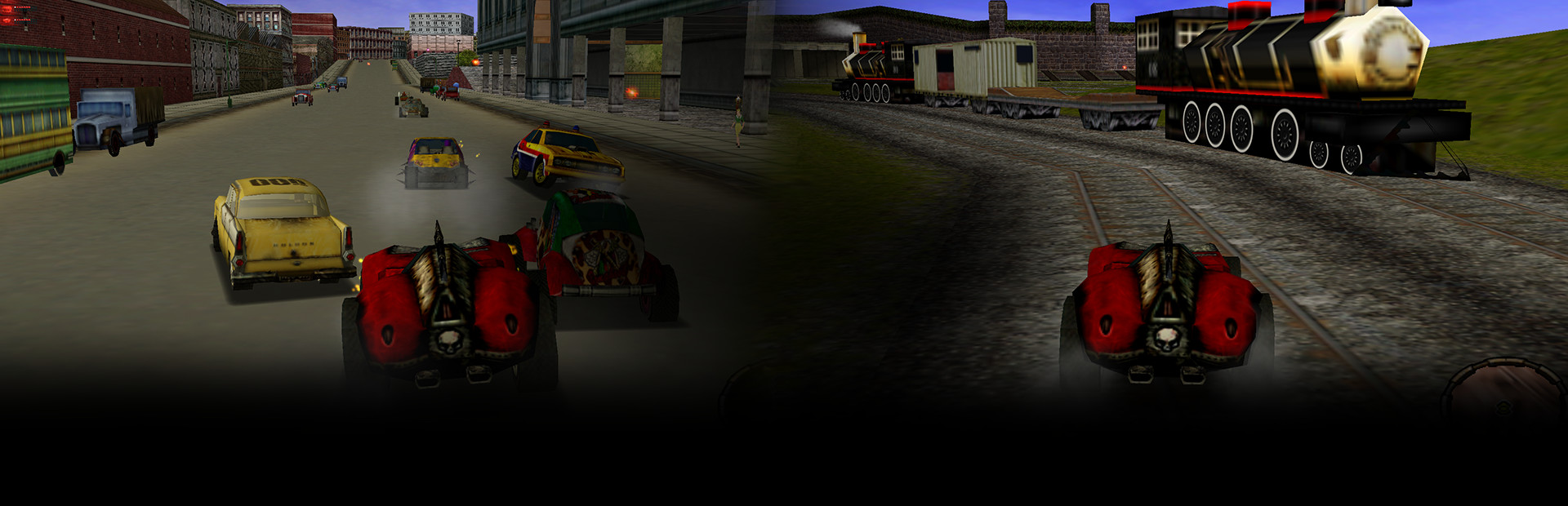
The world's most controversial racing game returns with incredible graphics, fantastic game play and even more outrageous fun!
Max Damage, imprisoned for life, plots his escape. However, there's the small matter of an army of police, hordes of gangsters and thousands of enraged inhabitants - all with homicide on their minds. To succeed, it will take a four wheeling genius with no morals, a killer instinct and a burning passion to escape.
No such person existed... until now!
- Drive 50 totally destructible vehicles.
- Over 48 missions and races to complete.
- 9 completely 3D single player environments to explore and destroy.
- 7 multi-player game types in 9 custom maps.

Known Issue
Symptoms: When you start a mission, the game crashes to the desktop with an error about Directx, address 0x80070057.Solutions: There's an easy fix, disable the MIP Filter. You can do this by running TDR 2000 Setup and opening the "Advanced Settings" dialog, and setting MIP Filter to "none". Another solution is to disable the Fog.
Command Line Interface
Command line options for the game are:-profile(w) Reprofile system
-setup(s) Access setup dialog
-fulltextures(f) Use fullsize textures
-join(j) "IP address" Join TCP/IP game at specified IP address
-create(cr) Create a TCP/IP server
-clientserver(cs) Specifies client/server mode
-dedicated(d) Specifies dedicated server mode
-console(co) Specifies console output mode
-gamescript(g) "FileName.txt" Specifies gamescript to use
-maxDataRate(mdr) [value] Specifies data rate settings
-dataRateFalloff(drfp) [value]
-debugFile(df) "FileName.txt" Specifies alternate name for dbg.txt
-optionsFile(of) "FileName.txt" Specifies alternate name for options.txt file
-serverName(sn) "ServerName" Specifies server name[/b]
Multiplayer
How do I set up dedicated server games?To set up a dedicated server, create a shortcut to Carmageddon: TDR2000, and add -cr -d -co -cs to your command line. This will use the options you have already in your Multiplayer settings.
Configuration requise
Minimale :
- Système d'exploitation *: Windows XP/Vista/7/8
- Processeur : 1.8 GHz Processor
- Graphiques : 3D graphics card compatible with DirectX 7
- Espace disque : 1 GB d'espace disque disponible
- Carte son : directx compatible
Recommandée :
- Système d'exploitation *: Windows XP/Vista/7/8
- Processeur : 1.8 GHz Processor
- Mémoire vive : 1 GB de mémoire
- Graphiques : 3D graphics card compatible with DirectX 9
- Espace disque : 1 GB d'espace disque disponible
- Carte son : directx compatible